Fix SSL Errors & Secure Your Website
Is your website showing a "Not Secure" warning? We troubleshoot SSL errors, fix mixed content warnings, renew expired certificates, and restore your customers' trust with rapid intervention.
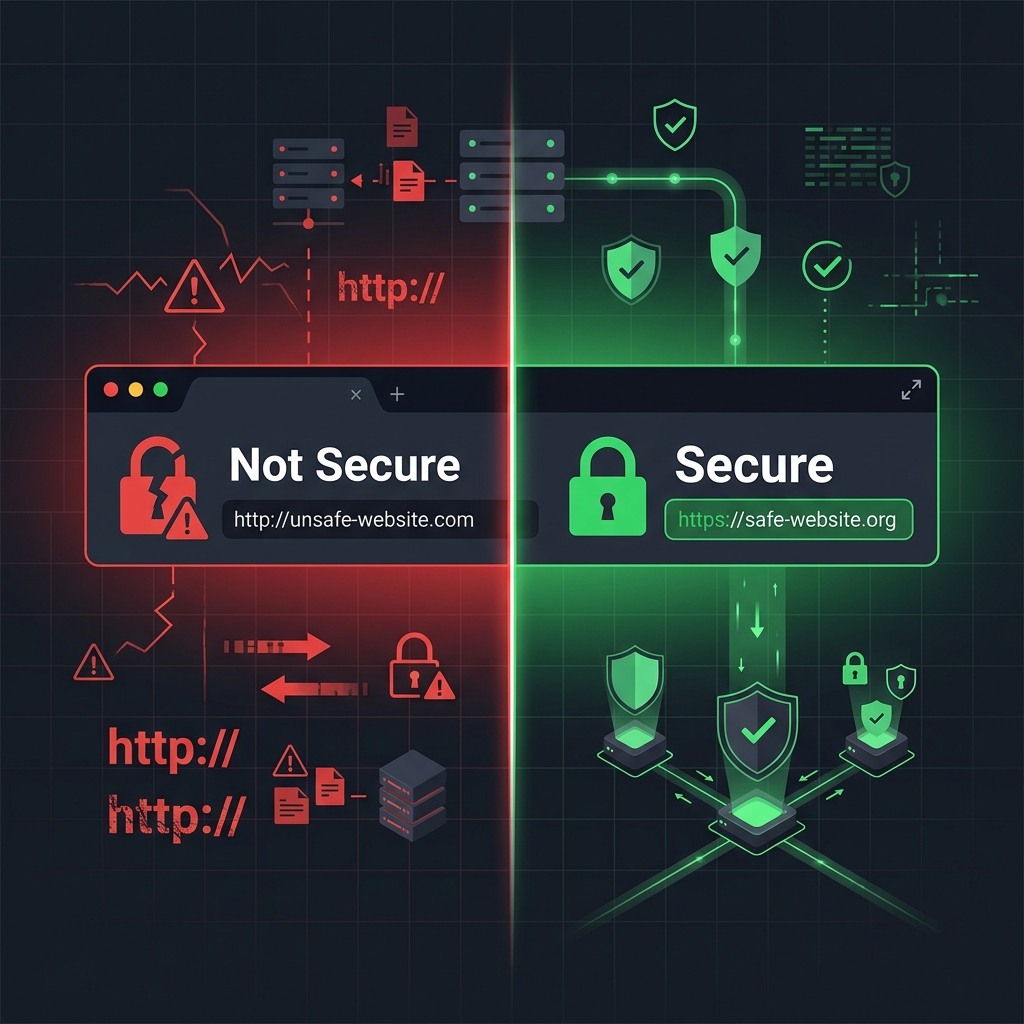
Why "Not Secure" is Killing Your Business
When visitors arrive at your website and see a red warning triangle or a "Not Secure" message in their address bar, the immediate reaction is to leave.
The Cost of Ignoring SSL Errors
Google Chrome and other modern browsers actively block users from entering sites with invalid SSL certificates. Even if they bypass the warning, 84% of users will abandon a purchase if the connection isn't secure.
- Loss of Search Rankings: Google actively penalizes sites without HTTPS, dropping you from search results (SEO penalty).
- Broken Customer Trust: Visitors will not enter contact details or payment info on an unsecured connection.
- Browser Blocks: Modern browsers often completely block access to sites with expired or heavily misconfigured certificates.
We Solve All SSL & HTTPS Errors
If your website is experiencing any of the issues below, our experts will diagnose the root cause and implement a permanent fix.
Expired Certificates
Your SSL certificate has passed its validity date causing browsers to display a jarring "Your connection is not private" error (NET::ERR_CERT_DATE_INVALID).
Mixed Content Warnings
Your site loads over HTTPS, but includes HTTP resources (like images or scripts). The padlock breaks, and browsers warn the site is "Partially Secure."
Redirect Loops
After installing an SSL, your website gets stuck in an infinite "Too Many Redirects" loop, making the site completely inaccessible (ERR_TOO_MANY_REDIRECTS).
Name Mismatch Error
The SSL certificate doesn't match the URL the user typed (e.g., valid for domain.com but not www.domain.com). (ERR_CERT_COMMON_NAME_INVALID).
WordPress HTTPS Issues
You've enabled SSL, but WordPress URLs in the database, theme assets, or plugin settings are still hardcoded to HTTP, breaking site layouts.
Incomplete Chain
The certificate is installed, but the server is missing the intermediate chain certificates, causing trust errors on mobile devices and older browsers.

Proper Installation at the Server Level
Installing an SSL certificate isn't just about clicking a button in WordPress. It requires proper server configuration to ensure high-grade encryption and forced HTTPS routing.
Our team handles the technical heavy-lifting across all major control panels and server environments:
- cPanel / WHM
- Plesk Panel
- Apache / Nginx
- IIS (Windows)
We ensure proper setup of HSTS (HTTP Strict Transport Security) headers, modern TLS (TLS 1.2 / 1.3) protocols, and the disabling of insecure legacy ciphers.
Fixed-Price Troubleshooting
No hourly billing surprises. Choose the service you need, and we'll fix the problem quickly.
Perfect if you need a free SSL installed and HTTPS forced correctly.
- Install Let's Encrypt / AutoSSL
- Force HTTP to HTTPS Redirect
- Fix 1 Website/Domain
- Same-Day Delivery
- Fix Mixed Content Errors
- Database Search & Replace
- Install 3rd-Party Paid SSL
Comprehensive troubleshooting for sites with broken padlocks or loops.
- Everything in Basic Setup
- Fix Mixed Content Warnings
- Fix Redirect Loops
- Database URL Search & Replace
- Install 3rd-Party Paid SSL (if provided)
- Priority Handling (Next in Line)
- Multi-site / Wildcard Config
For complex server environments, VPS/Dedicated servers, or Wildcard needs.
- Everything in Complete Fix
- Wildcard / Multi-Domain SSL
- Setup HSTS Headers for SEO
- Disable Weak Ciphers (Qualys A+ rating)
- Command Line Server Installation (NGINX/Apache)
- Generate CSR & Private Keys
- Support for Custom Web Apps (Non-WP)
Get Your Green Padlock Fast
Reach out via WhatsApp with your website URL. We'll identify the SSL issue immediately and get your site secured and running properly.